Local-first AI Studio for image and video generation
Generate images, videos and creative assets in one studio
Multiverse AI Studio brings image generation, image analysis, multi-image editing, video generation and billing preview into one local workflow, so teams can create faster without losing control over quality, cost or model selection.
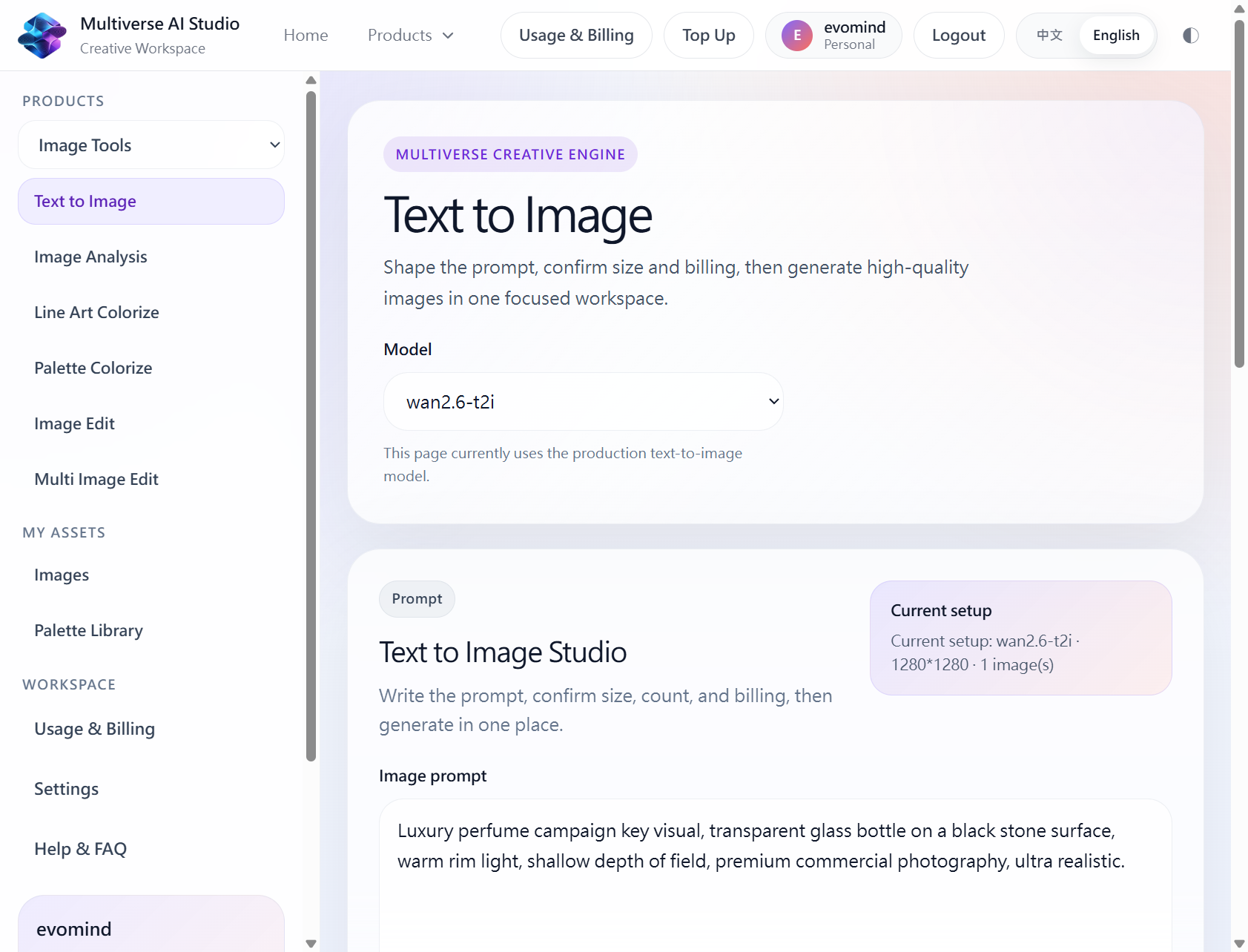
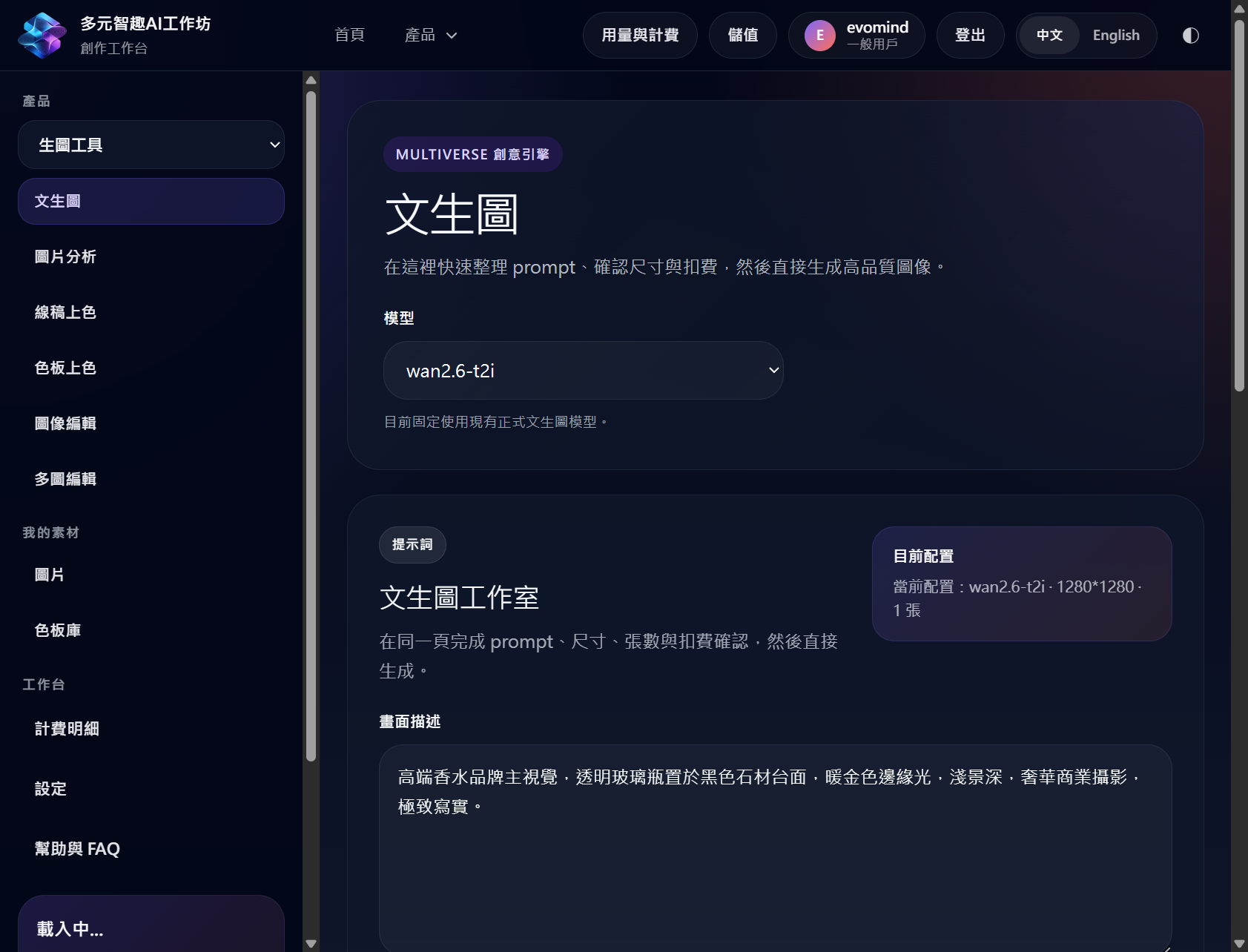
Built for local creative teams shipping image and video workflows


Core Capabilities
Built around the workflows you already need: image generation, image analysis, local video creation, cost preview and cleaner model-aware execution from frontend to backend.
Image Analysis Workspace
Inspect uploaded images, run visual analysis, and prepare reference material before you generate or edit.
Image Generation That Fits Production
Generate campaign visuals, product shots and concept images with a UI that stays connected to the actual runtime models.
Video Generation In One Studio
Run text-to-video, image-to-video and related Wan flows from the same working page instead of splitting across tools.
Billing Preview Before Submit
Show base cost and actual charge before generation so users understand spend before they click submit.
Local-First Control
The current stack is designed to run locally first, helping you stabilize the full workflow before wider deployment.
Real Model Selection
Frontend model choices are being aligned with backend execution so selectors are not just cosmetic.
The studio surfaces every major image and video workflow.
Move between image analysis, image generation, multi-image edit, video creation and pricing awareness without leaving the main application.
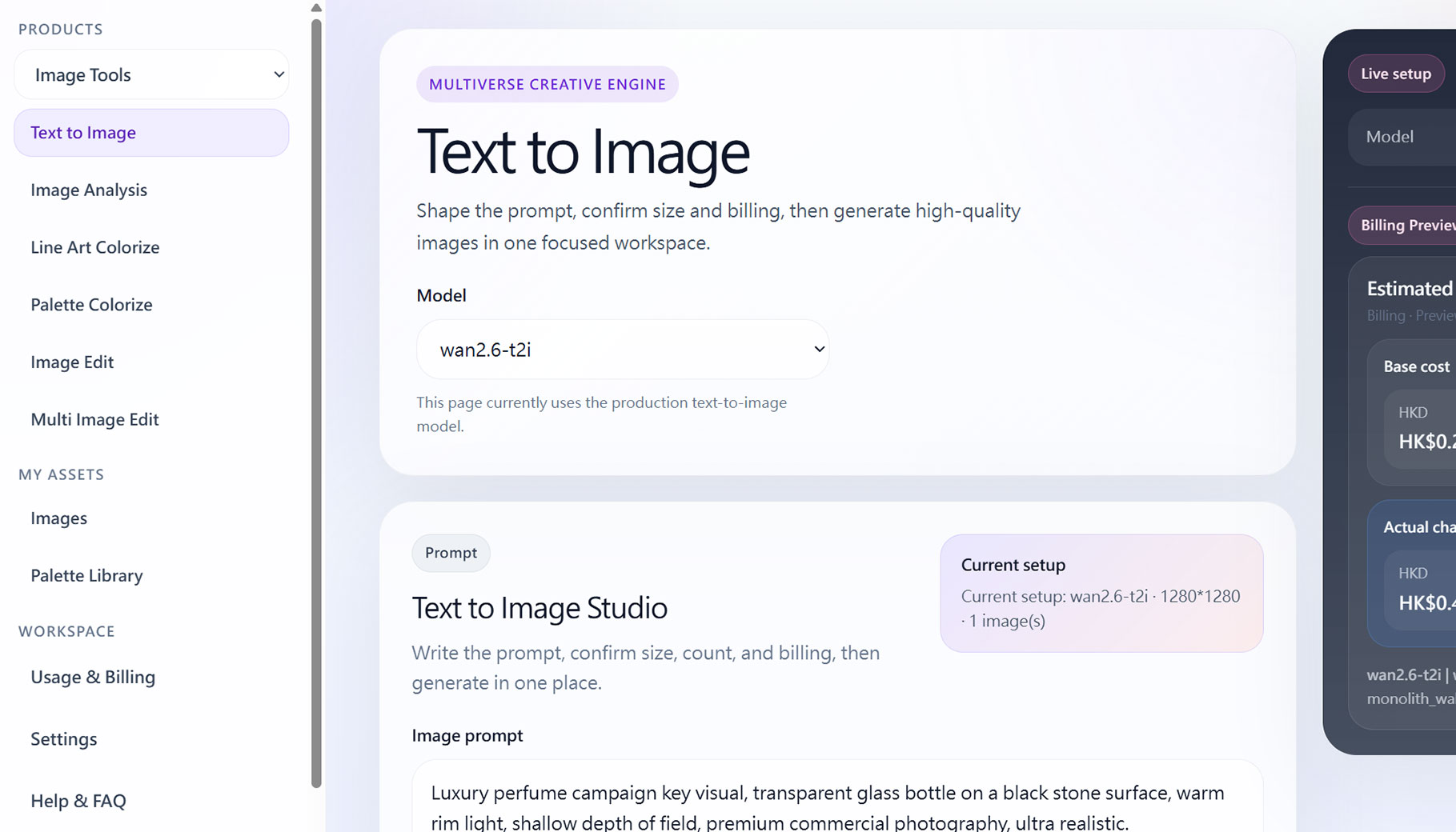
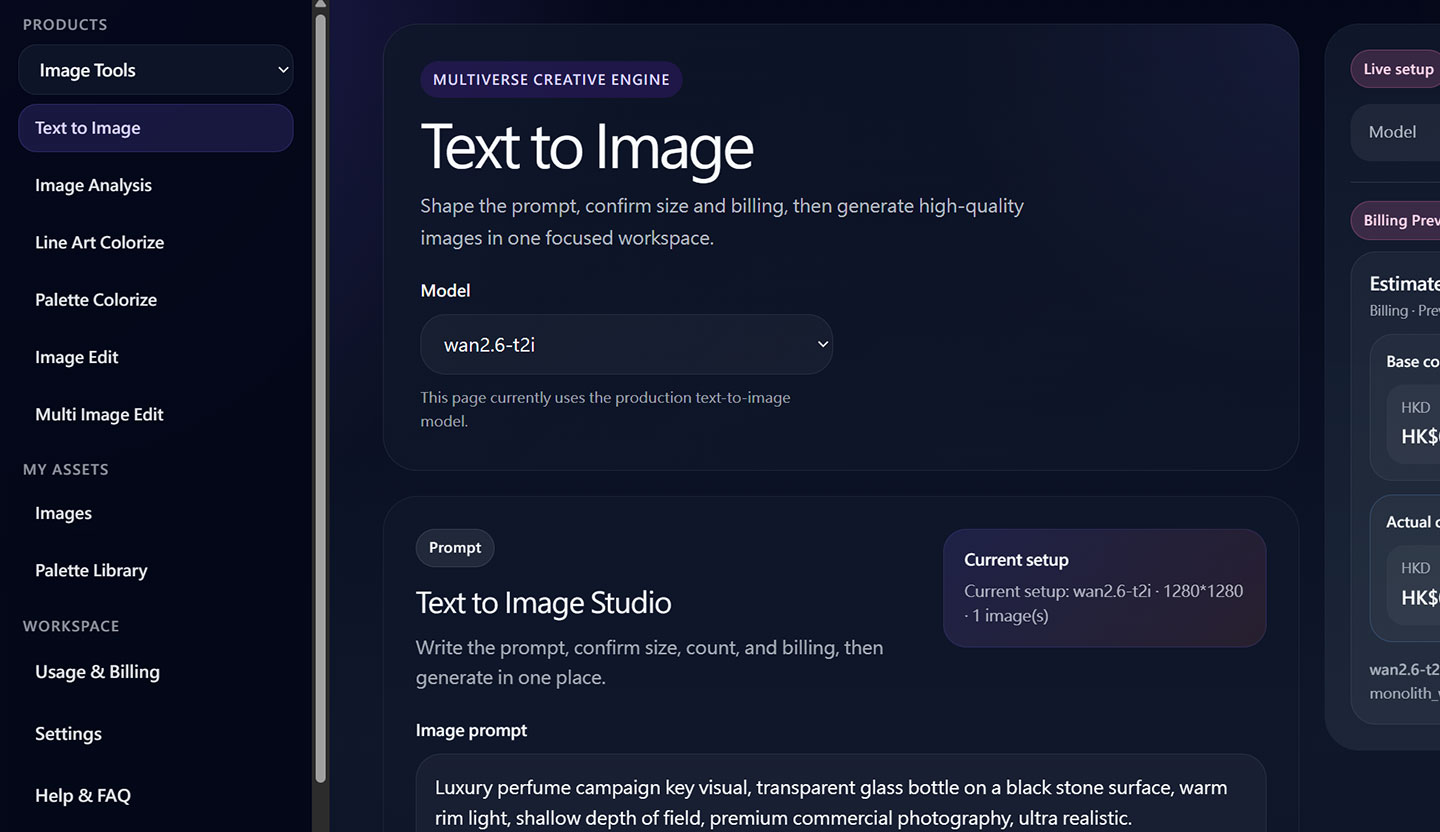
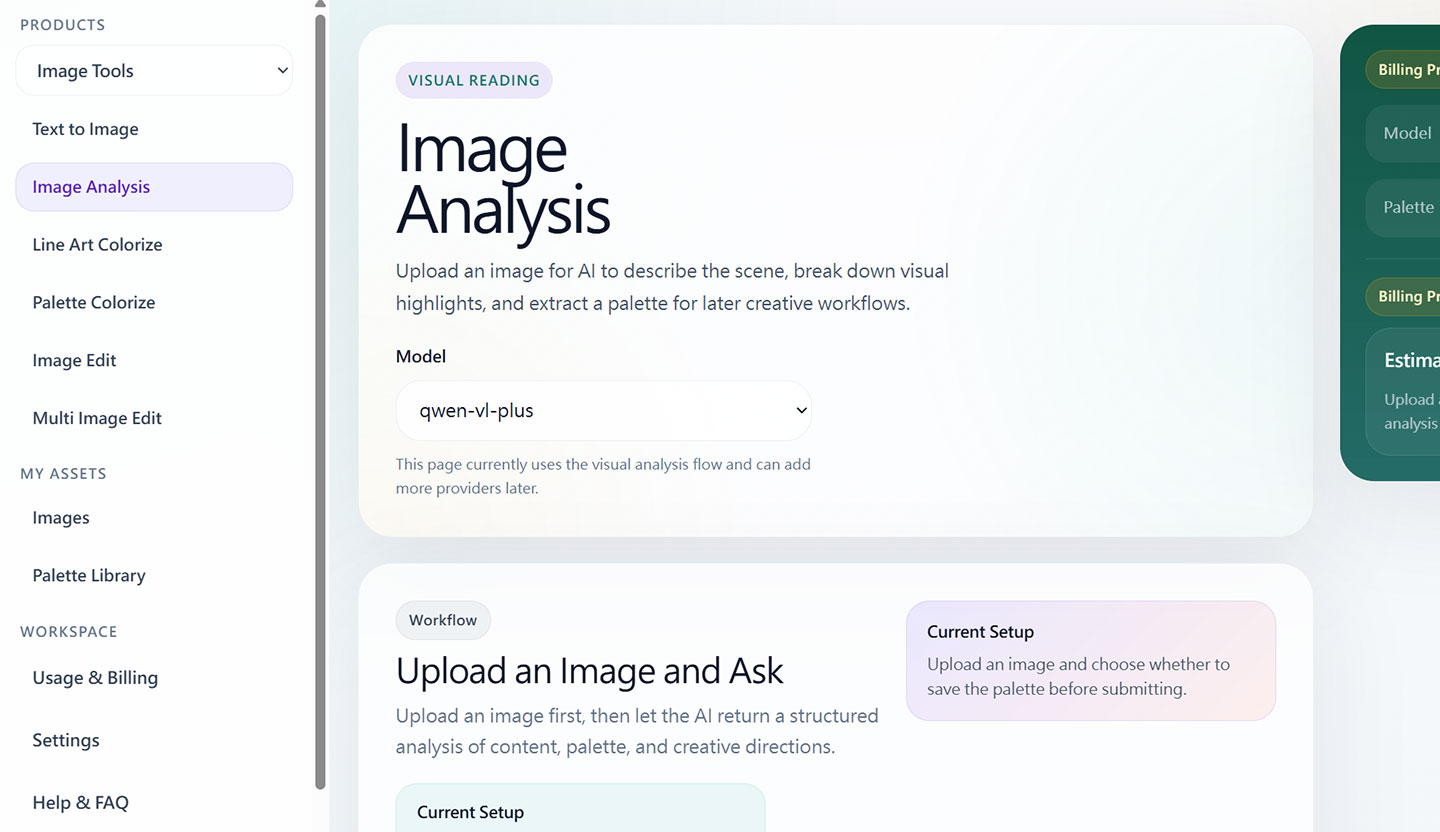
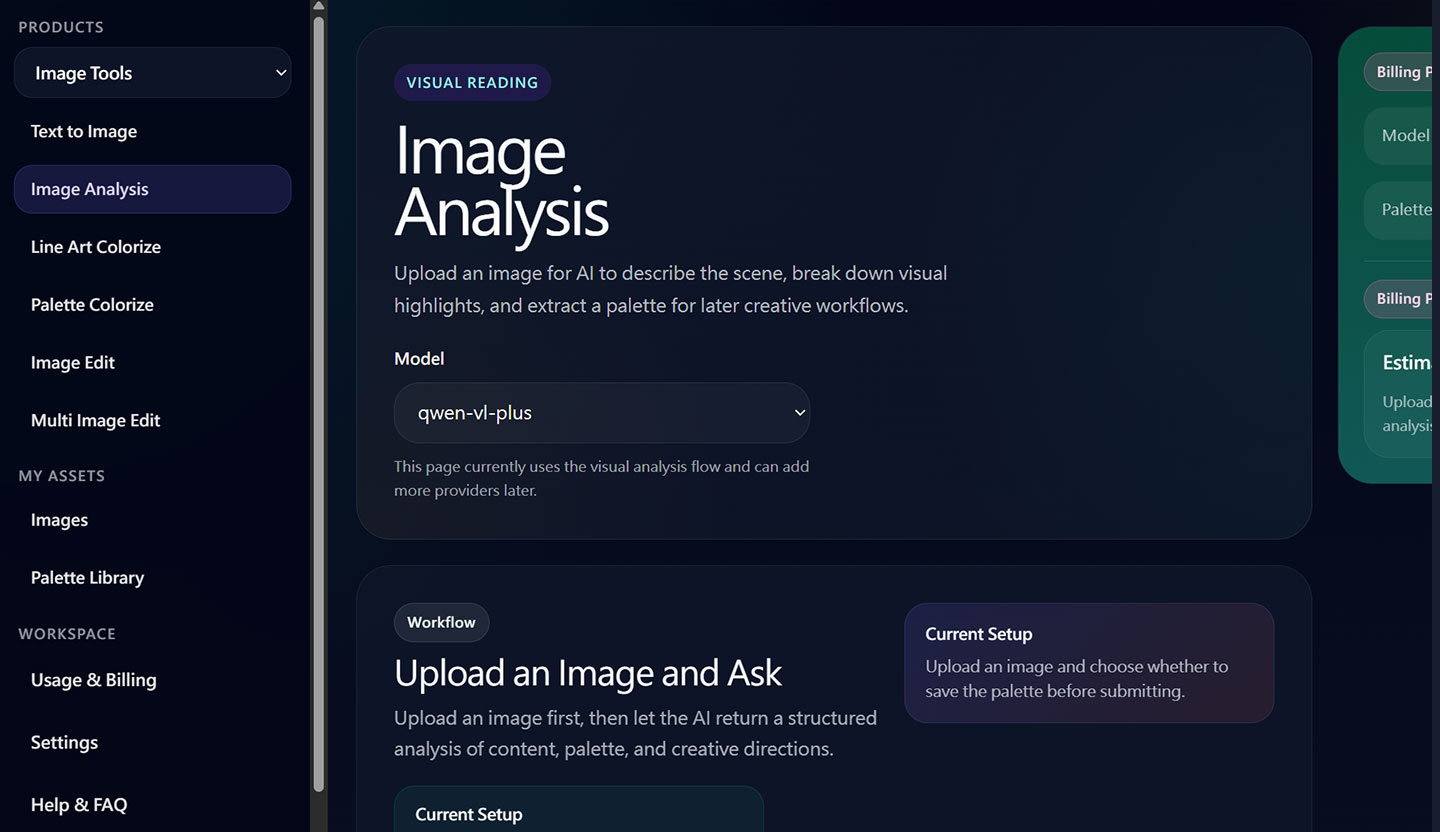
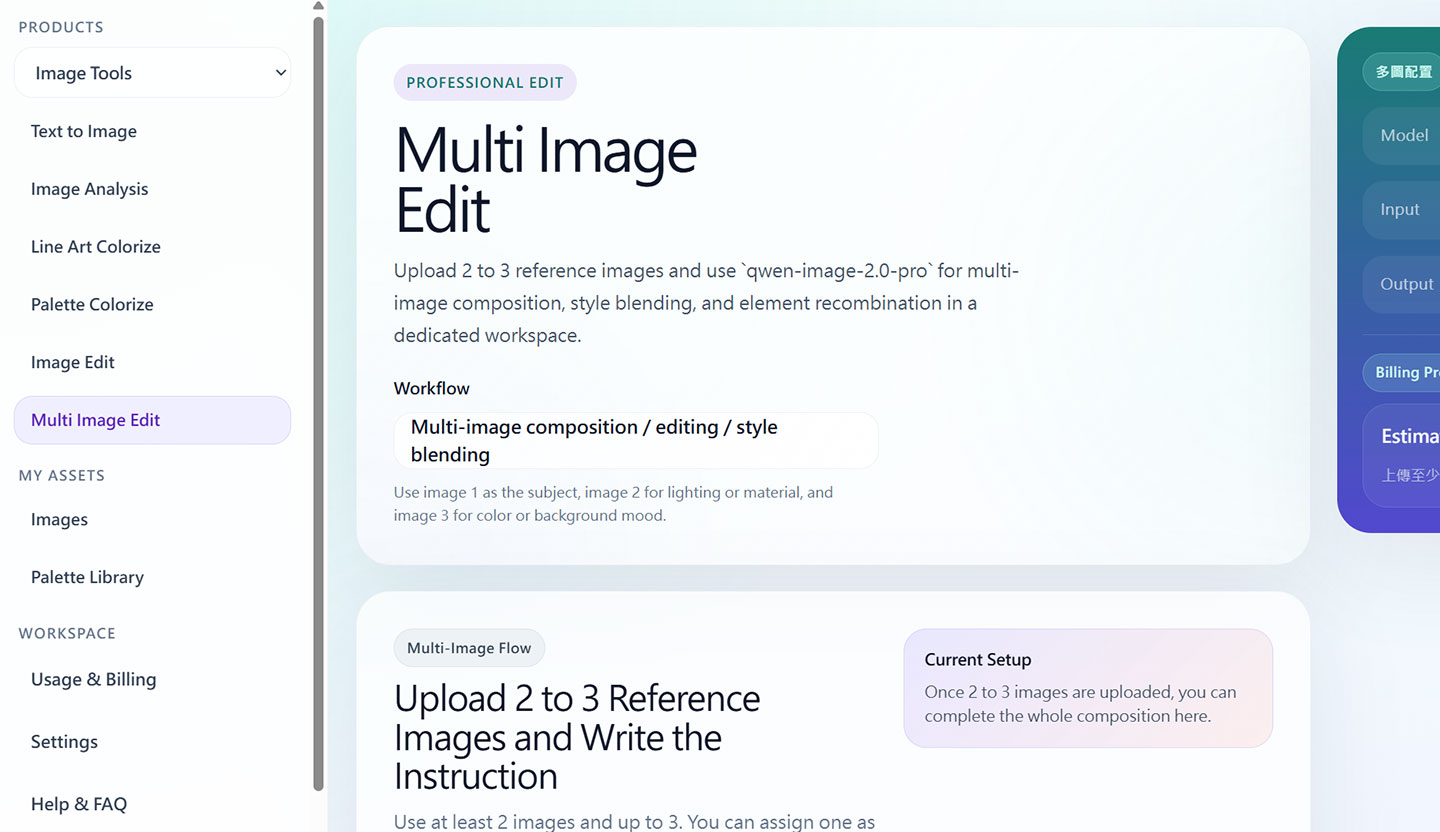
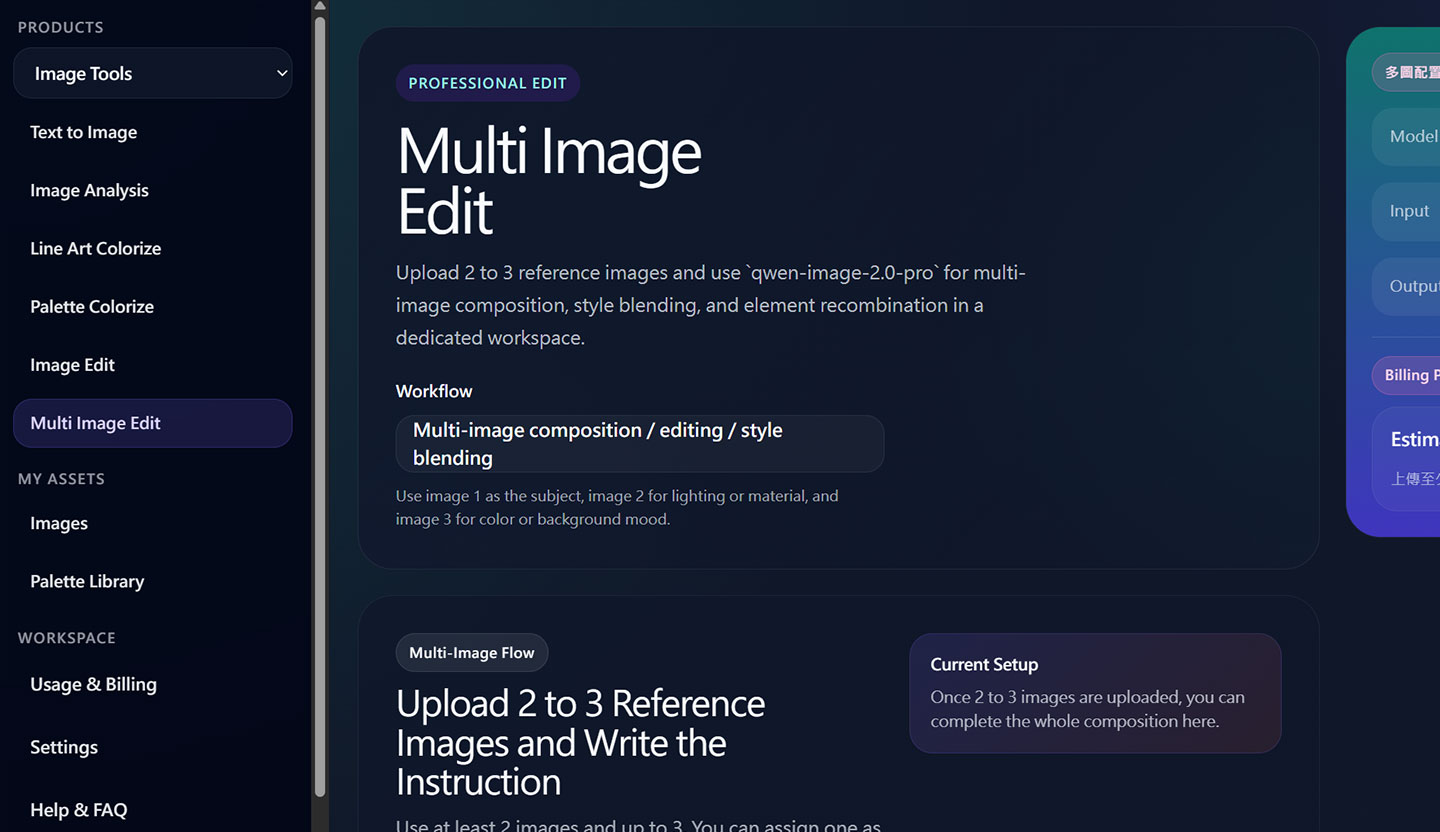
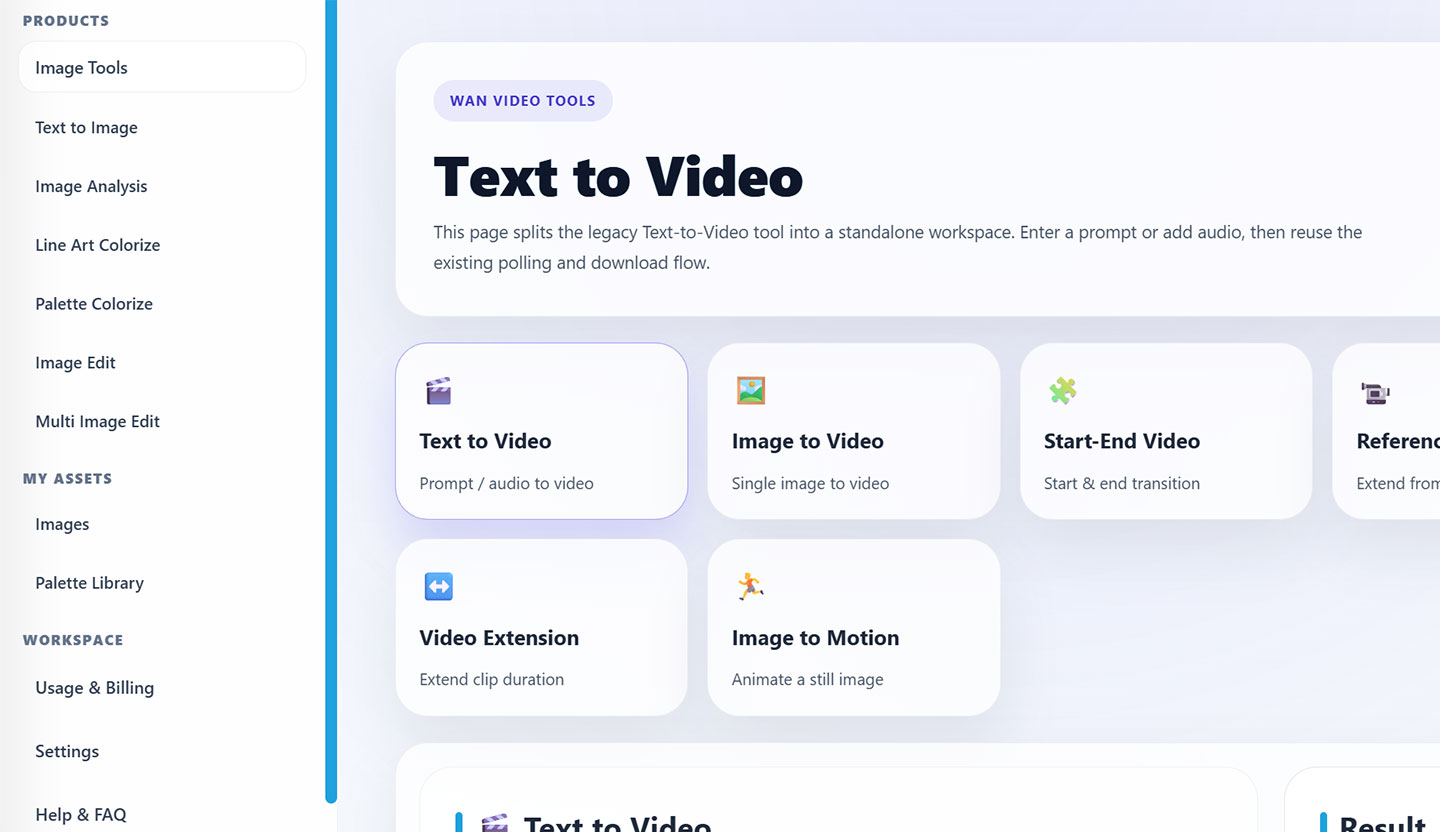
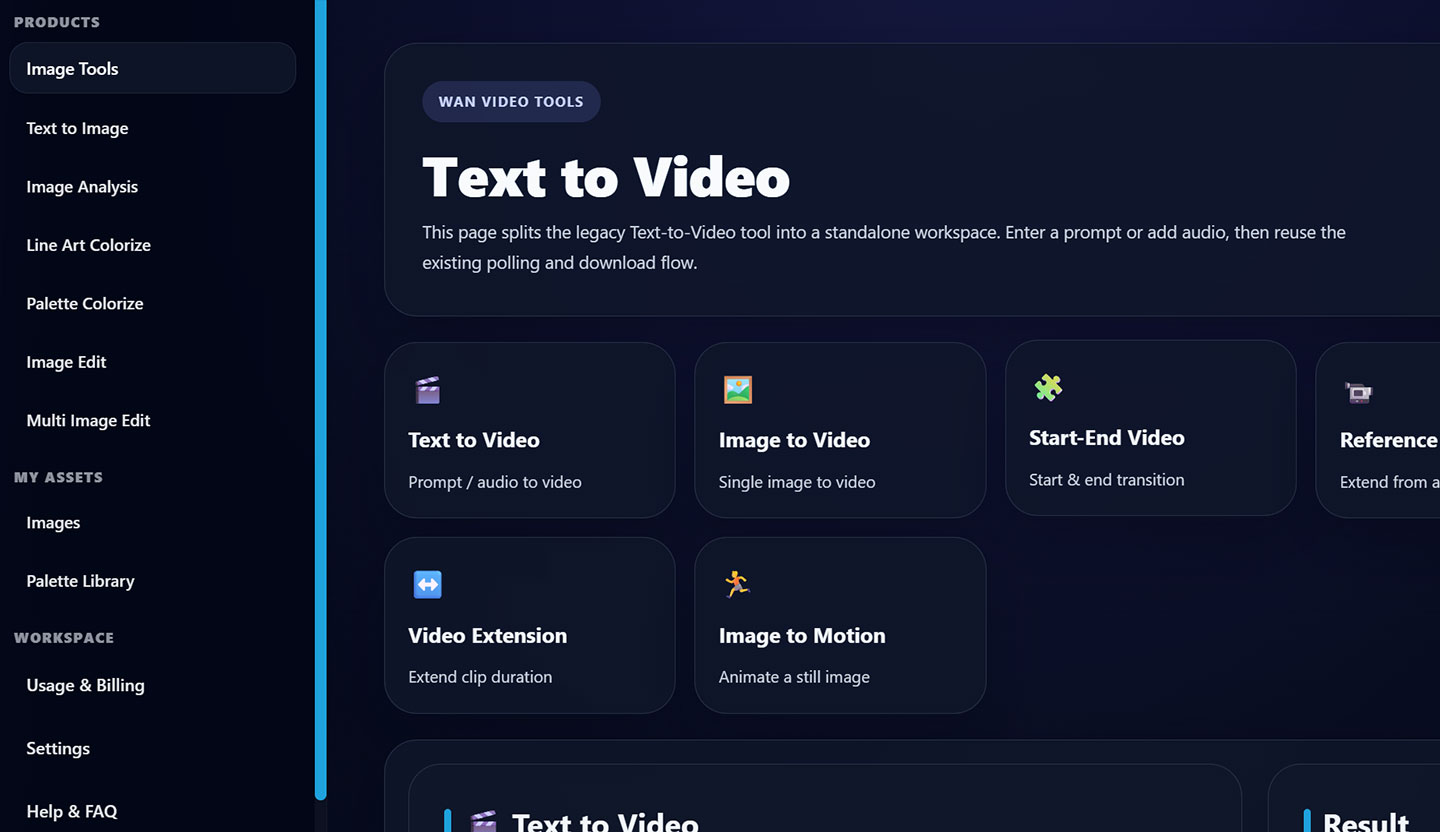
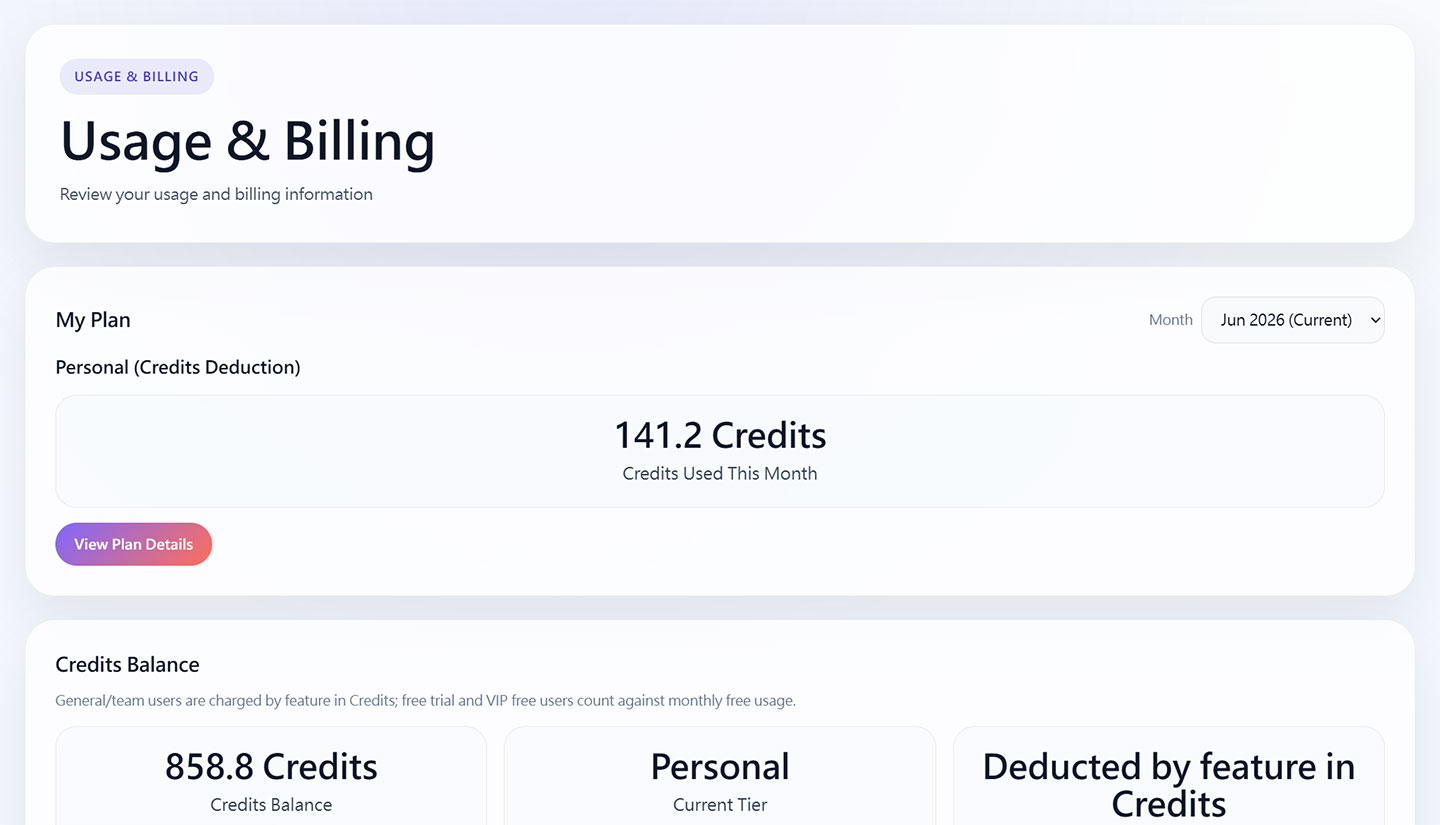
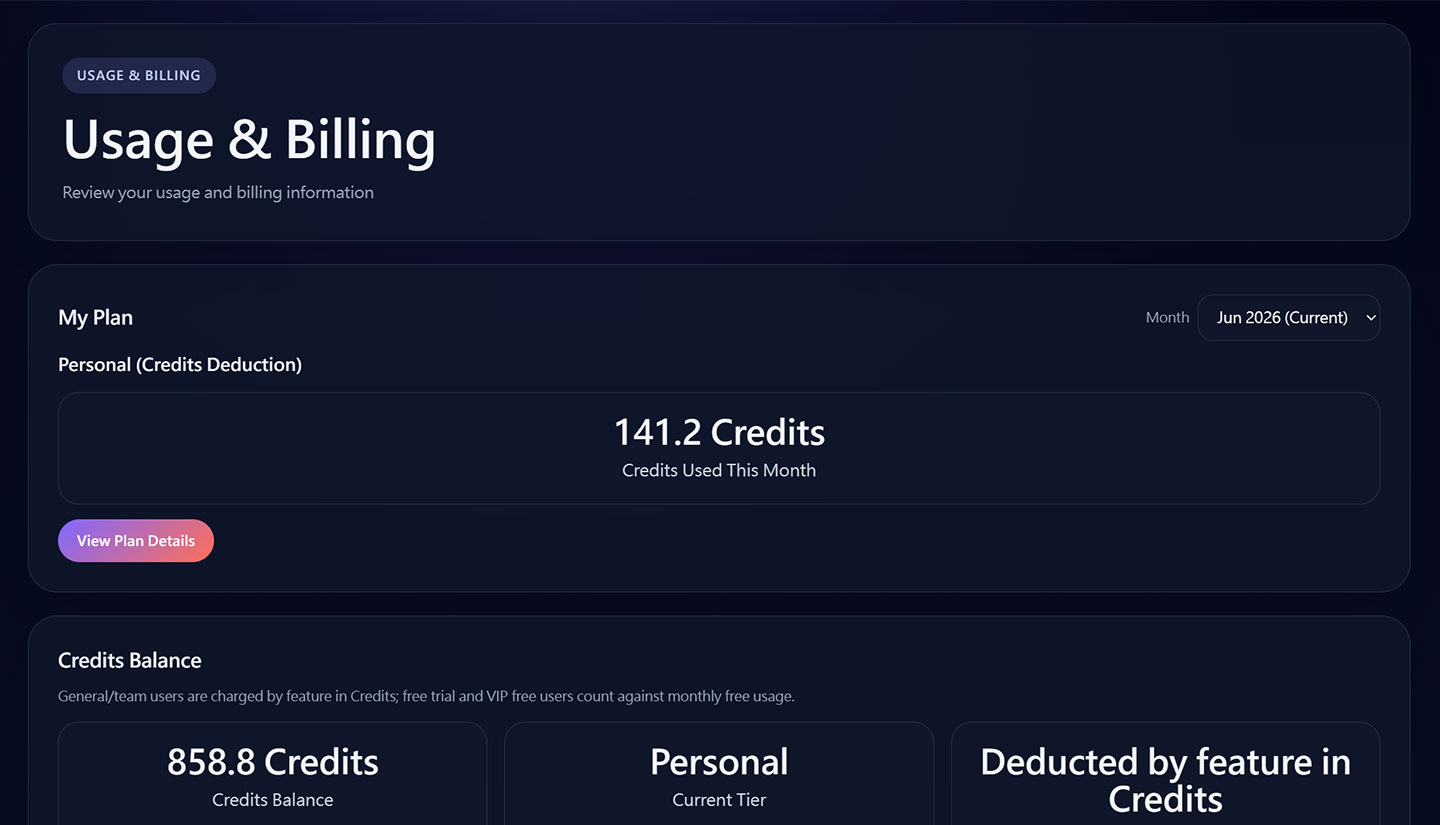
One homepage, multiple production workflows
Open the right workflow quickly, keep costs visible, and move from prompt to image or video without losing track of the selected model or output path.
Why teams use Multiverse AI Studio
This homepage now reflects the actual strengths of the app: local stability, unified generation flows, and clearer cost and auth handling.
Generate visual assets faster
Build hero images, campaign frames and product visuals from prompts or references without losing quality.





Keep image and video tools in one place
Switch between image analysis and video generation without bouncing users between disconnected pages.
Make commercial testing safer
Billing preview, plan-aware charging and local validation reduce surprises before you scale usage.
Pricing Preview

What teams say about the workflow
The layout is still polished and product-like, but the message now matches real image generation, video generation and local AI workflow use cases.

Creative Lead
Brand Campaign Team
We can move from concept frames to campaign visuals much faster because image generation and video workflows now live in one local studio.

Ops Manager
Internal AI Platform
Billing preview before submit makes testing safer. Users see base cost and actual charge instead of guessing what a generation run will cost.

Product Owner
Media Workflow Team
The homepage finally explains what the app really does: image analysis, image generation, multi-image edit and video creation in one place.

Design Manager
Creative Operations
It feels closer to a real product now. The UI is cleaner, and the links actually open the working studio pages instead of demo placeholders.

Admin User
Finance and Controls
Showing plan-aware charging and pricing context on the product pages helps us explain commercial usage much more clearly.

AI Prototyping Lead
Studio Engineering
Local-first testing matters. We can validate model selectors, auth flow and preview behavior before opening the stack to larger user groups.
Plans and Pricing
Free tier includes 3 free generations each month. After that, each generation is charged in credits. The other plans are kept simple here.
Free
Free
Includes 3 free generations per month. After that, each generation costs credits.
-
3 free generations every month
-
Pay credits for each extra generation
-
Good for trial use
-
Good for basic workflow review
Personal
PopularCredits
For individual creators and daily use.
-
Good for individual use
-
Image generation and editing
-
Pay per generation with credits
-
Good for daily use
Team
Credits
For small teams with shared workflows.
-
Shared team usage
-
Image and video workflows
-
Pay per generation with credits
-
Good for small teams
Enterprise
Contact Sales
For internal deployment and governance needs.
-
Enterprise deployment
-
Custom auth and admin controls
-
Cross-team governance
-
Dedicated support
Frequently Asked Questions
Common questions about the current local-first image and video generation setup.
Yes. The current product direction is local first, so you can validate login, image analysis, image generation, video generation and billing preview before broader deployment.